

National operations
How we solved it with Imagiq
Official Samsung distributor in Colombia.
- Client
- Imagiq
- Country
- Colombia
- Sector
- Retail
The problem
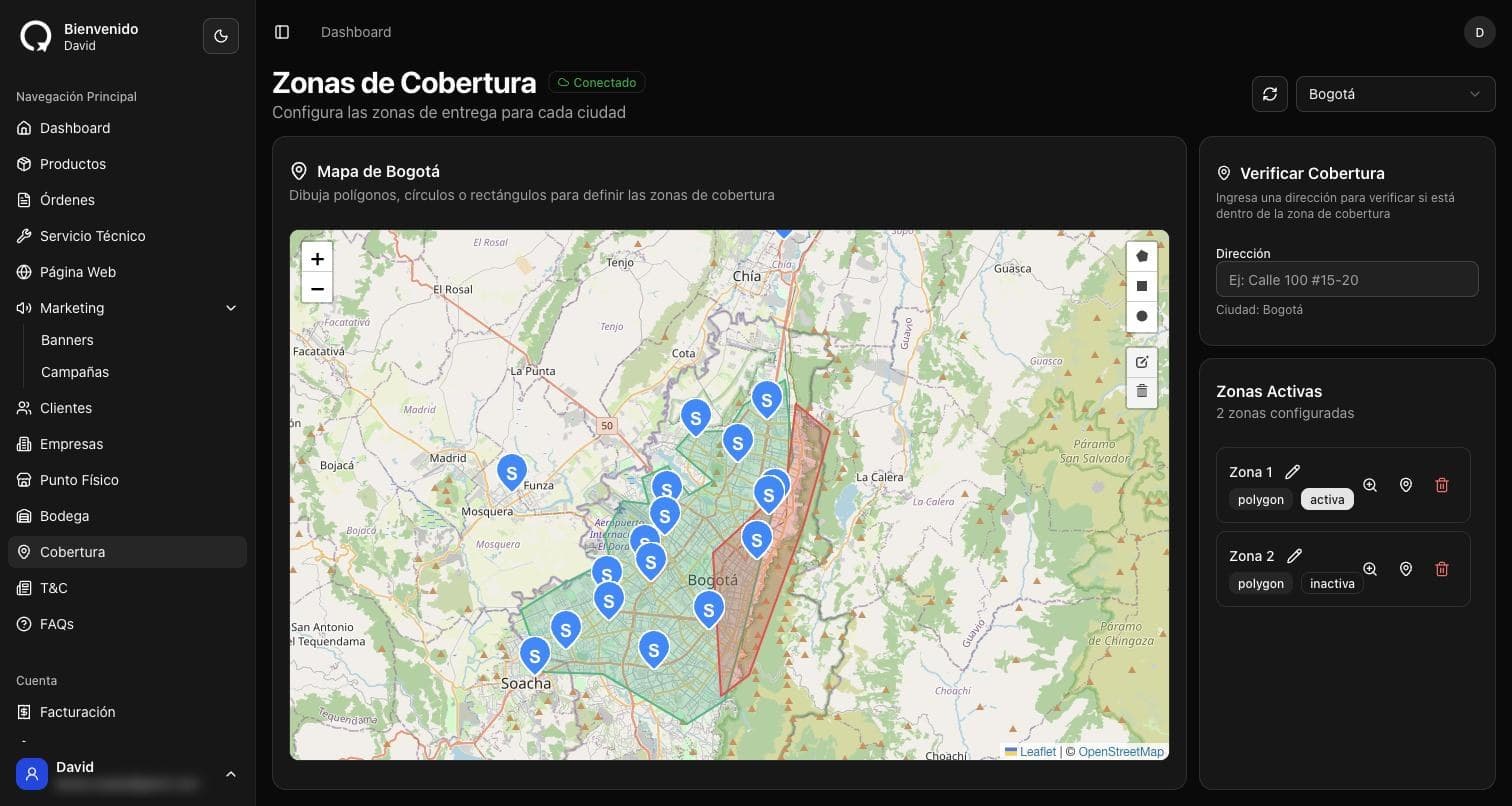
More than 30 points of sale with scattered inventory; what sold out in one city sat unsold in another.
The solution
An algorithm that matches each store's stock against the real distance to the customer, picks the best store and generates the shipping label.
Why it worked
The whole network works as a single inventory, with deliveries in 24 hours at most.
In numbers
- 37
- stores in 13 cities working as a single inventory
- 587
- products in the catalog
- 341.139
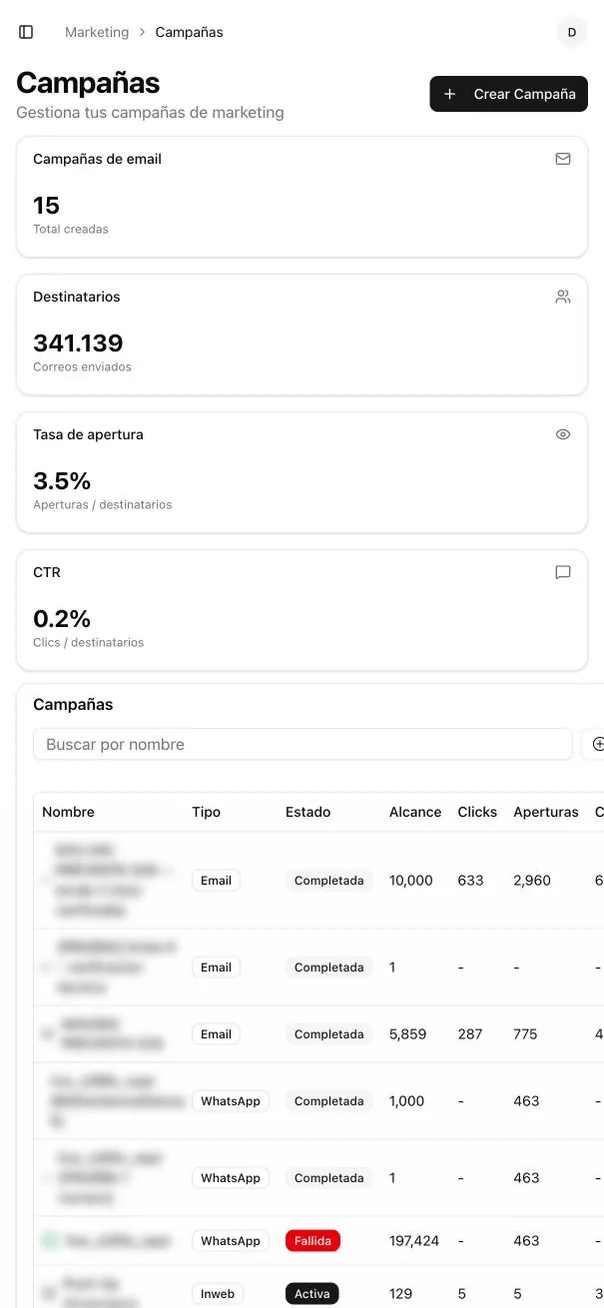
- emails sent from the campaigns panel
- 4
- campaign channels: email, WhatsApp, SMS and on site messages
Read from the live store and admin panel, September 2026.
How the store your order ships from is decided
A few seconds pass between the buy click and the email with the tracking number. This is what happens in them.
Each reference is expanded
The same phone lives in the ERP under several codes depending on the batch. The order is first translated into every equivalent code, so a store is never ruled out for holding the same product under a different number.
Live inventory is asked for
A single query against the inventory of all 37 stores, no cache. Only the stores that cover the whole order, line by line and in the quantity ordered, go on.
The real distance is measured, not the one on the map
For the stores that are left, the driving distance to the customer's address is measured, not the straight line. Every store-address pair is kept: a physical distance does not change, so the second time the answer is already there.
The nearest one wins
The order goes to the store with the fewest kilometres to cover. Some categories always ship from the distribution centre, and that rule is applied before anything is measured.
If nobody has it all, it is split
When no store covers the whole cart, the order is split across as few stores as possible, starting with the scarcest product. The customer gets several tracking numbers instead of a cancelled order.
It is checked again before dispatch
Right before the label is created the chosen store's inventory is read again. If the unit has already been sold over the counter, the order stops instead of shipping on stale data.
Label, sticker and pickup
With the store settled, the carrier's tracking number and label are generated and the pickup at that store is scheduled, all in the same operation that confirms the payment.
The same calculation decides whether the customer can pick up in store: it is offered when there is a store with everything in their city or within fifteen kilometres.
Operations, on a single panel
Real screens from the panel in production, with names, documents and amounts blurred. Hover to pause, or pick a stop on the rail.
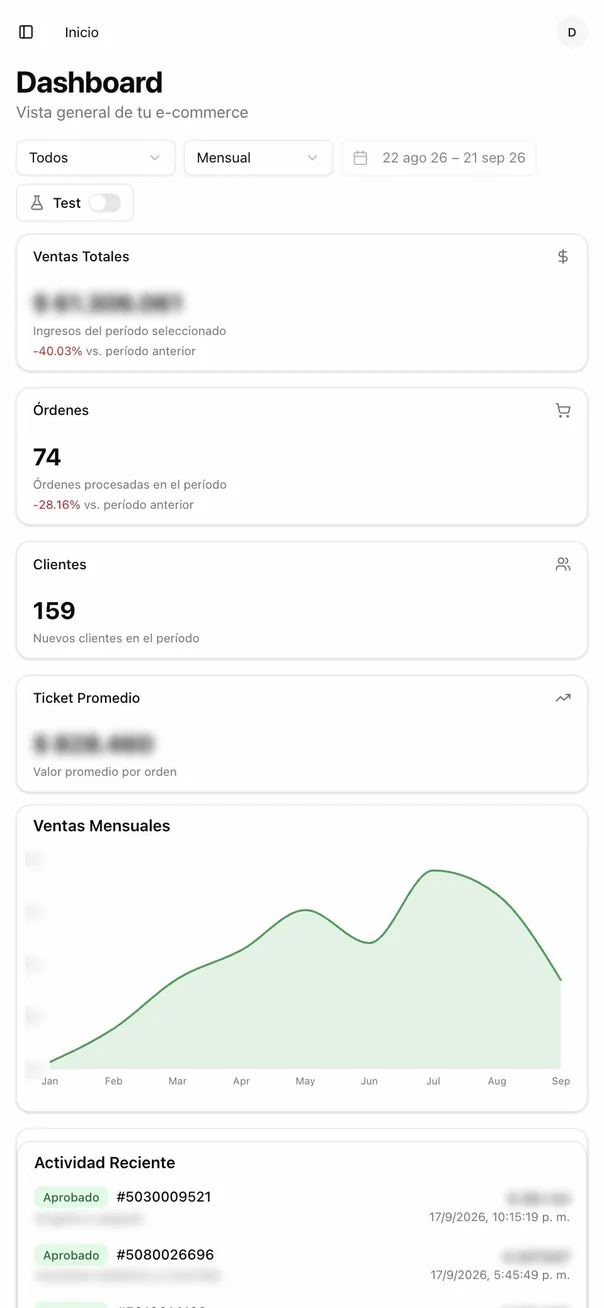
The business at a glance
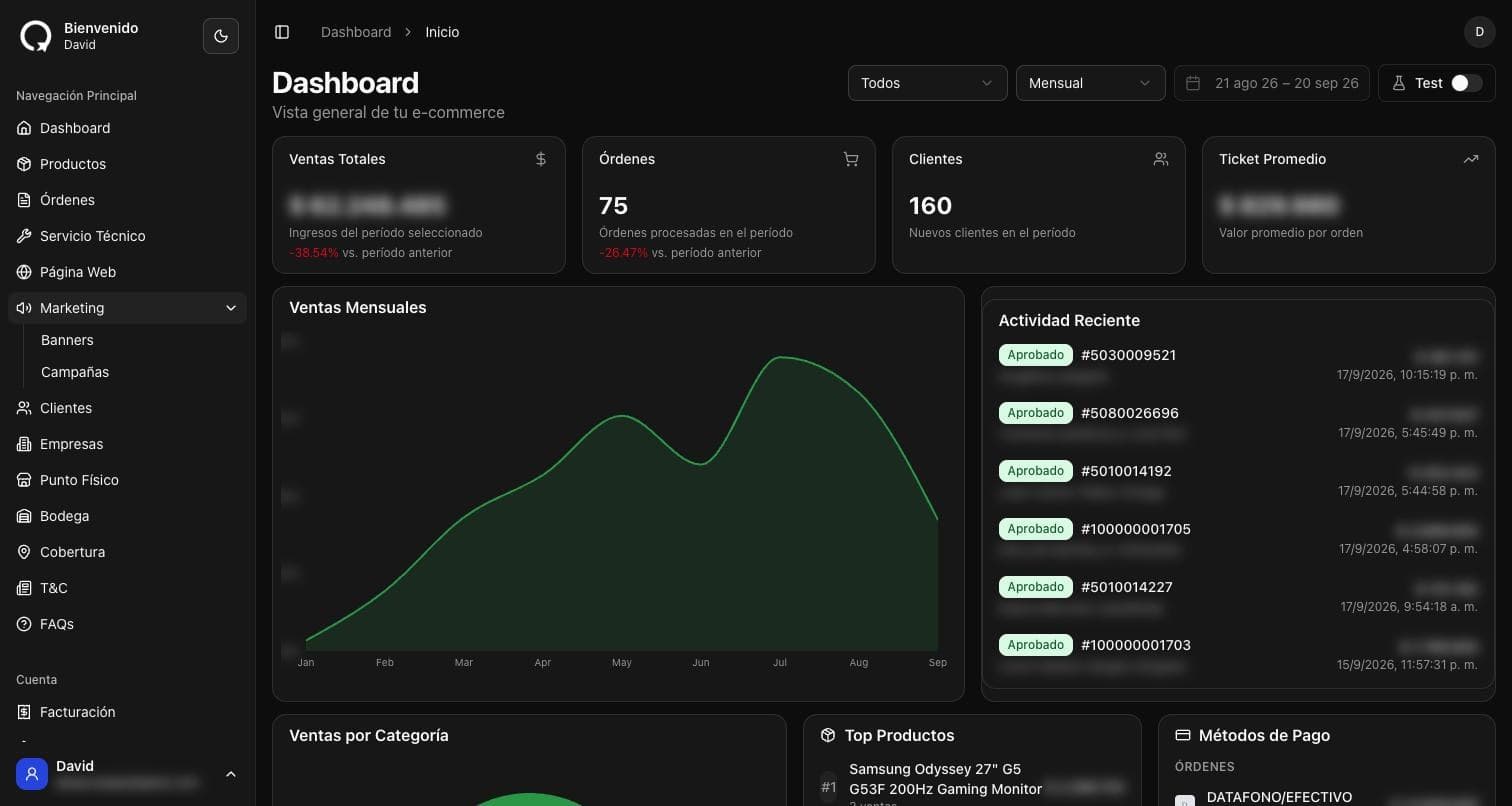
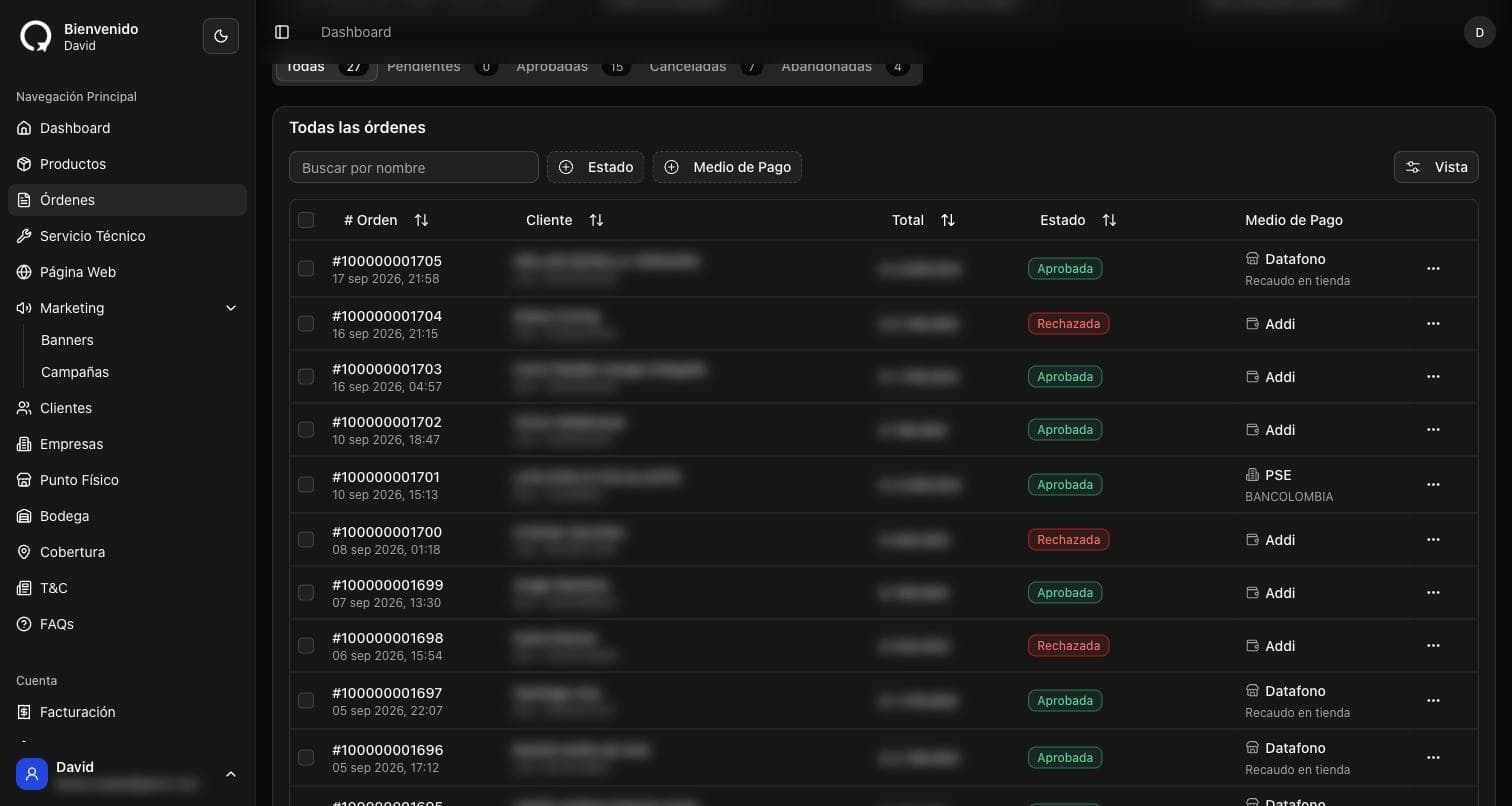
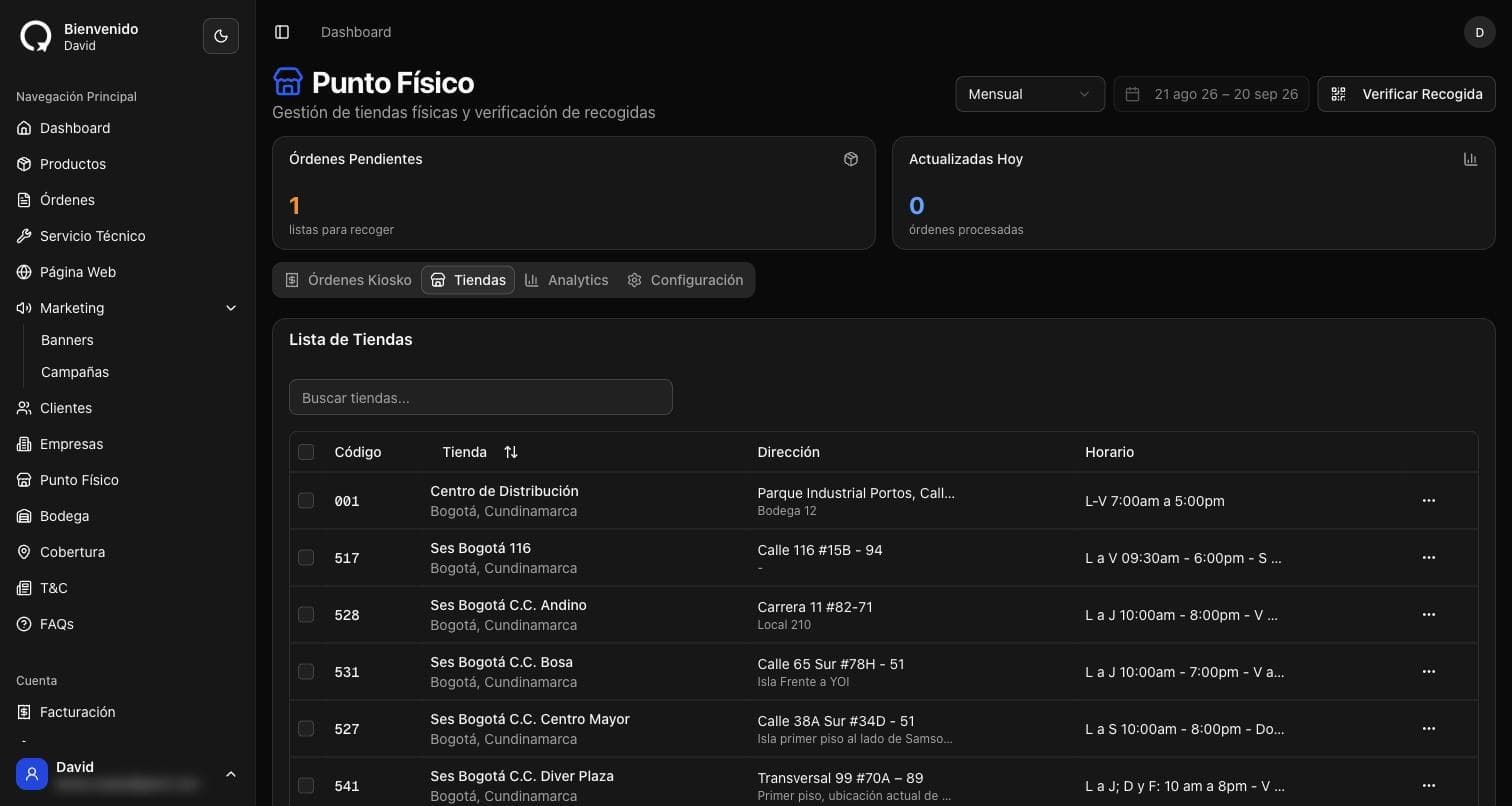
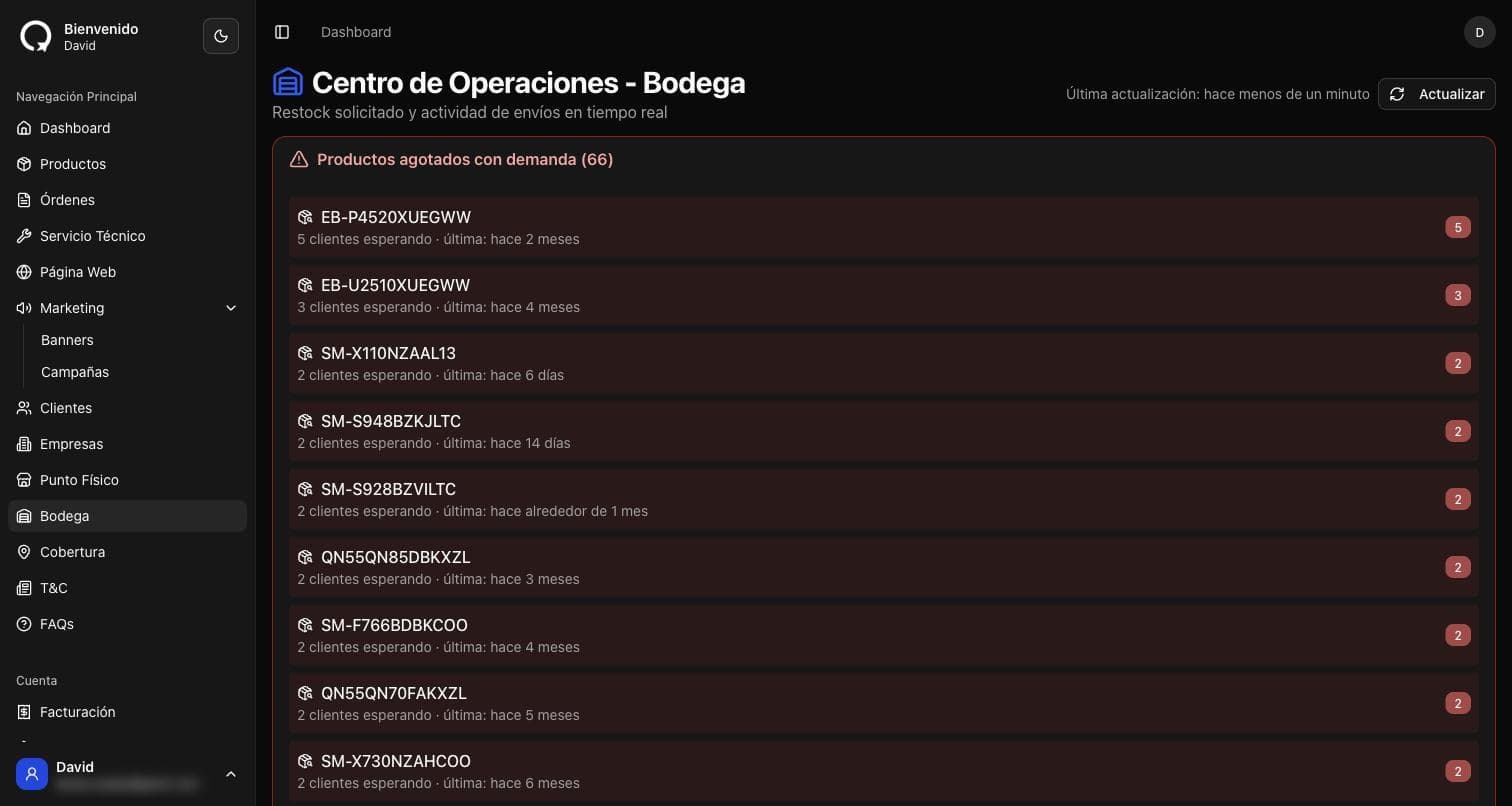
Sales, orders, new customers and average ticket for the period, with the store's recent activity alongside.
Campaigns on every channel
Real screens from the panel in production. Hover to pause, or pick a stop on the rail.
Every campaign, with its result
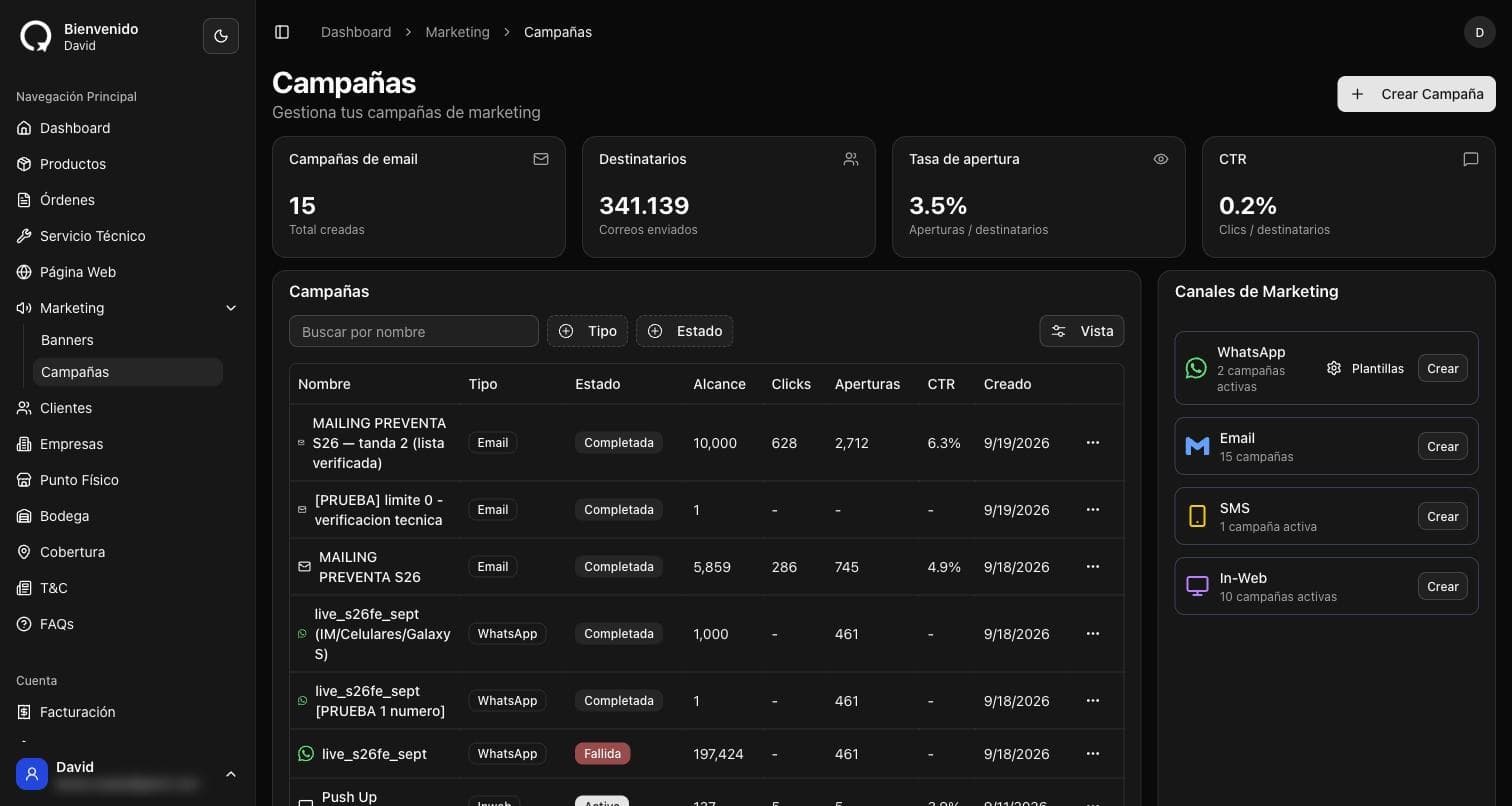
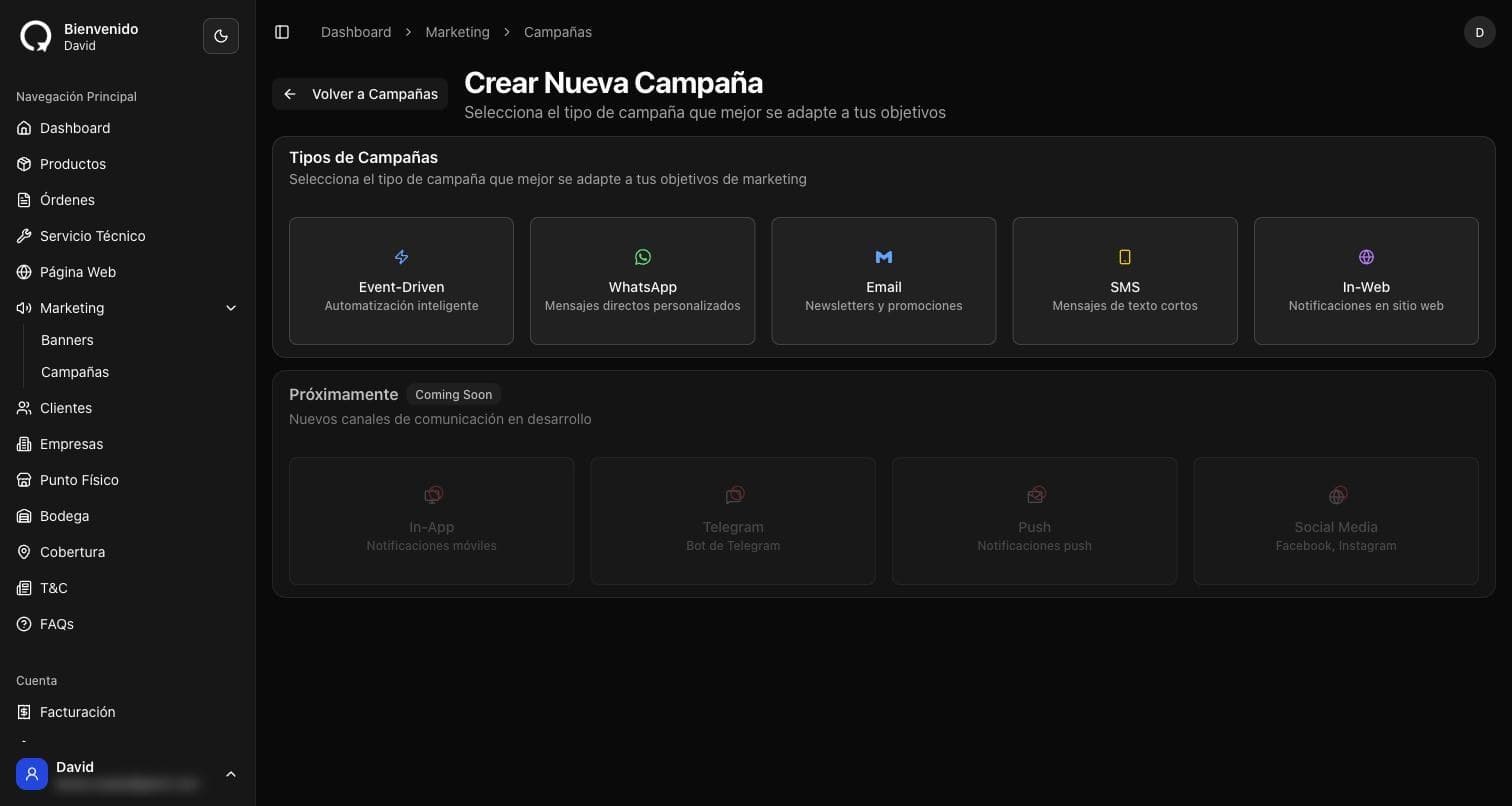
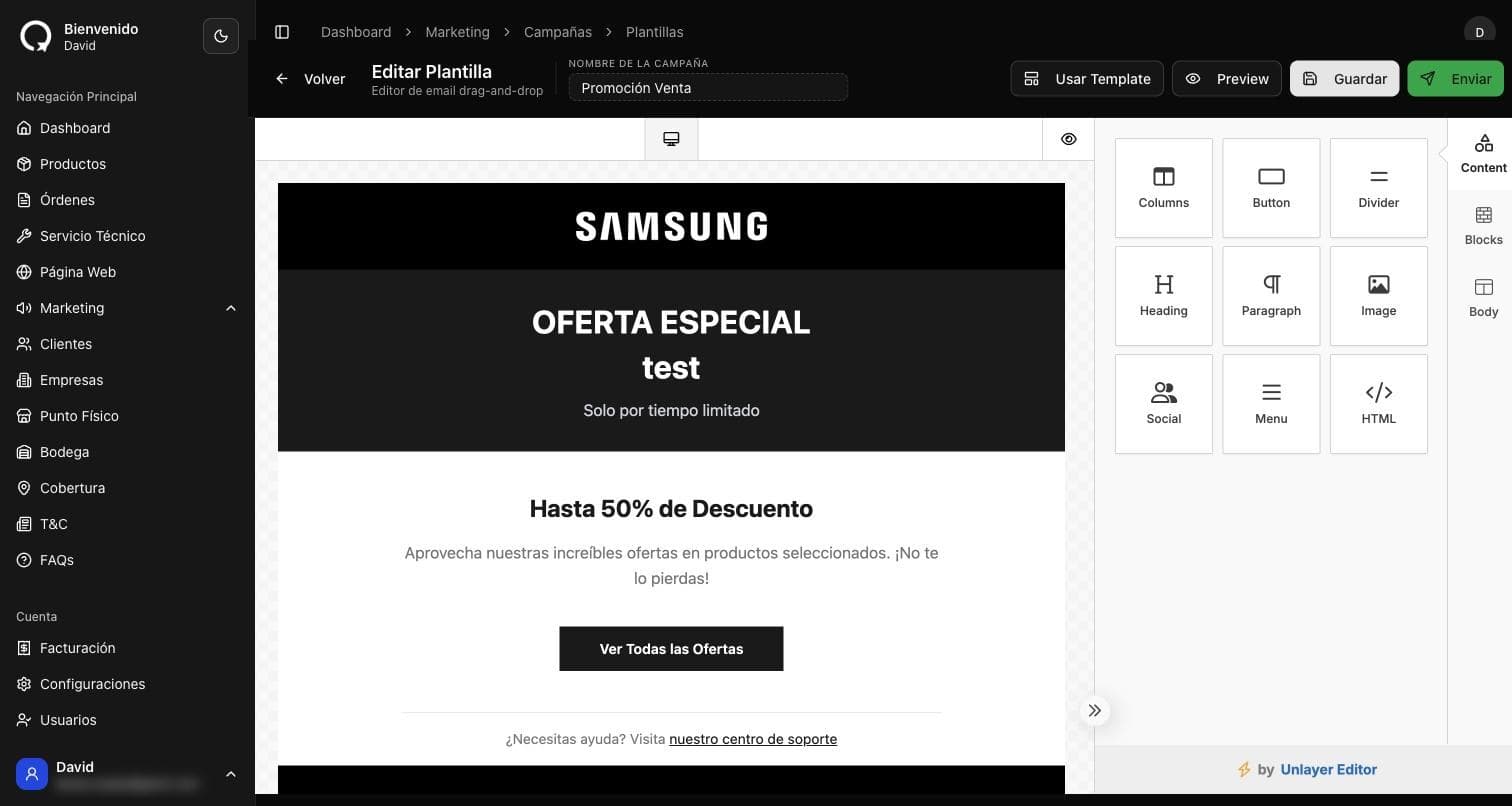
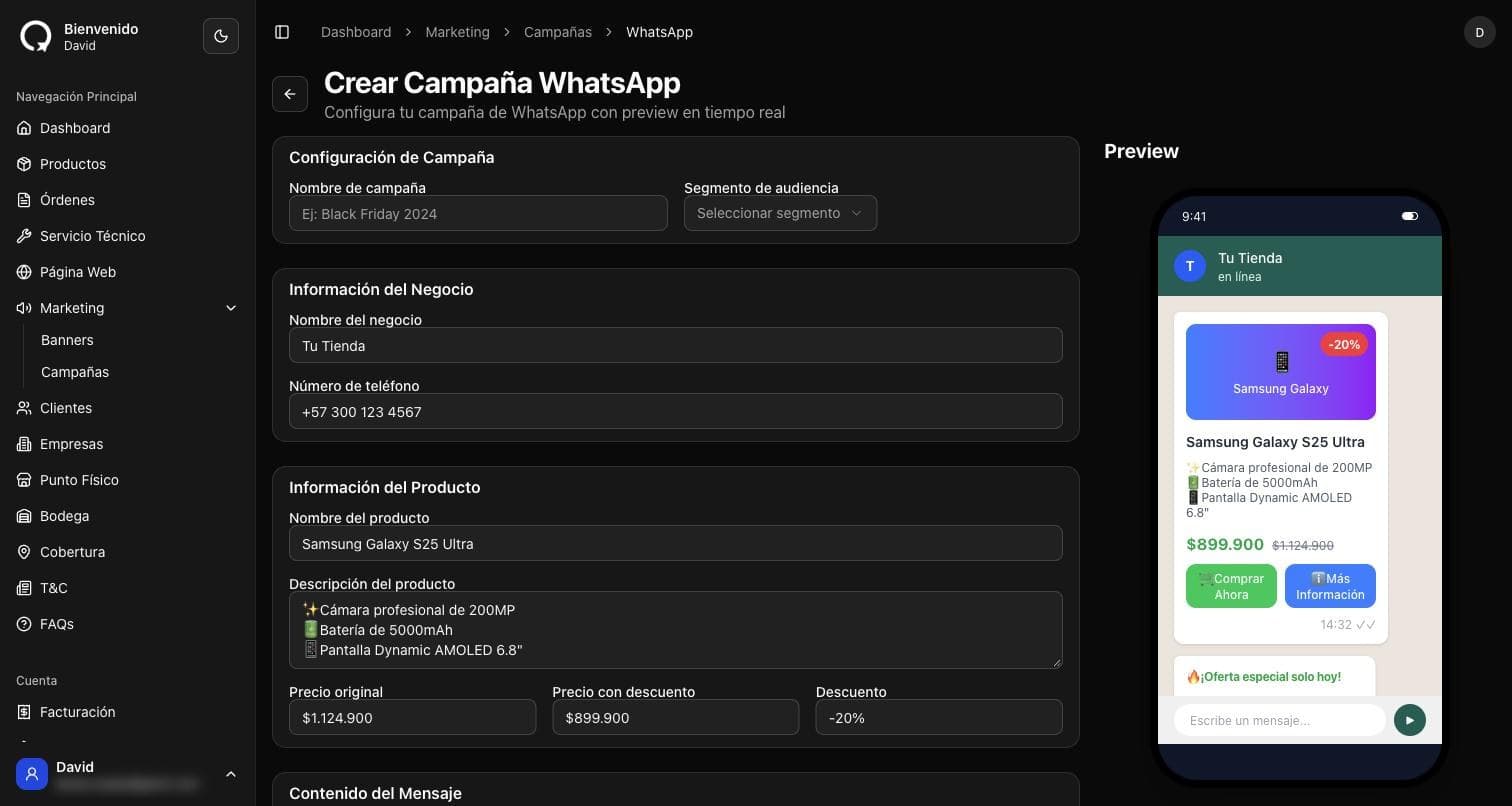
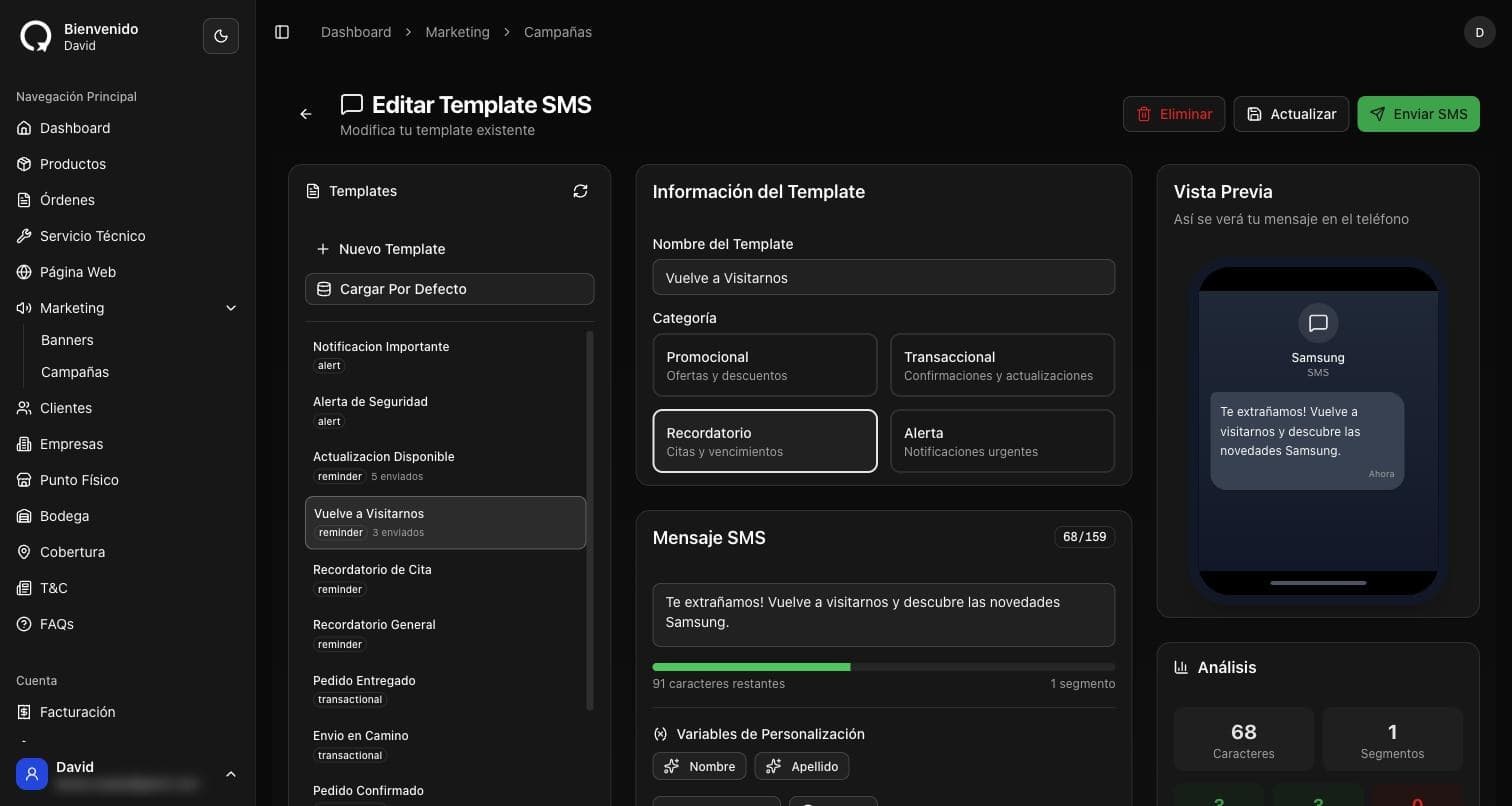
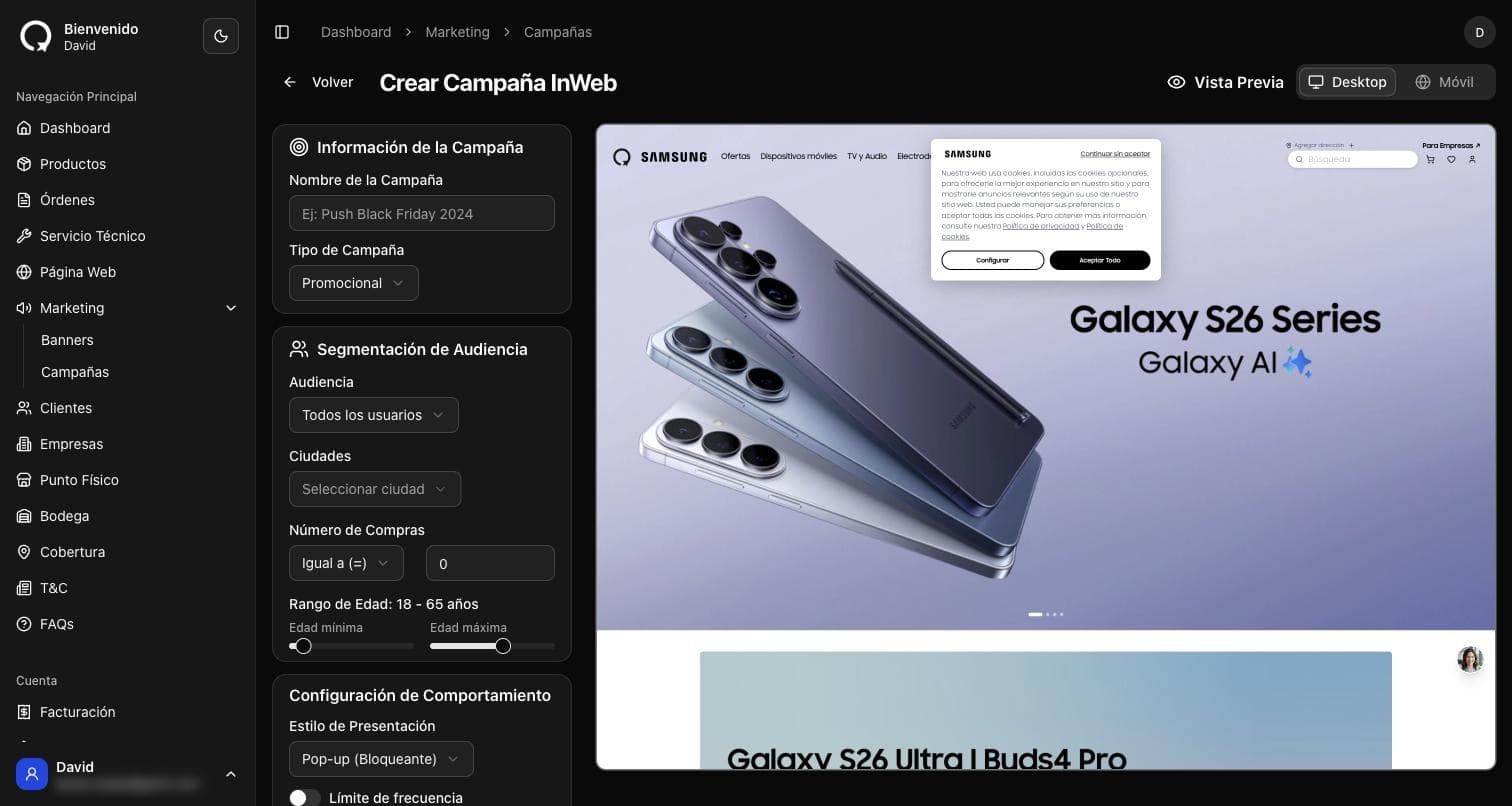
Email, WhatsApp, SMS and on site messages in a single list, with reach, opens and clicks for every send.
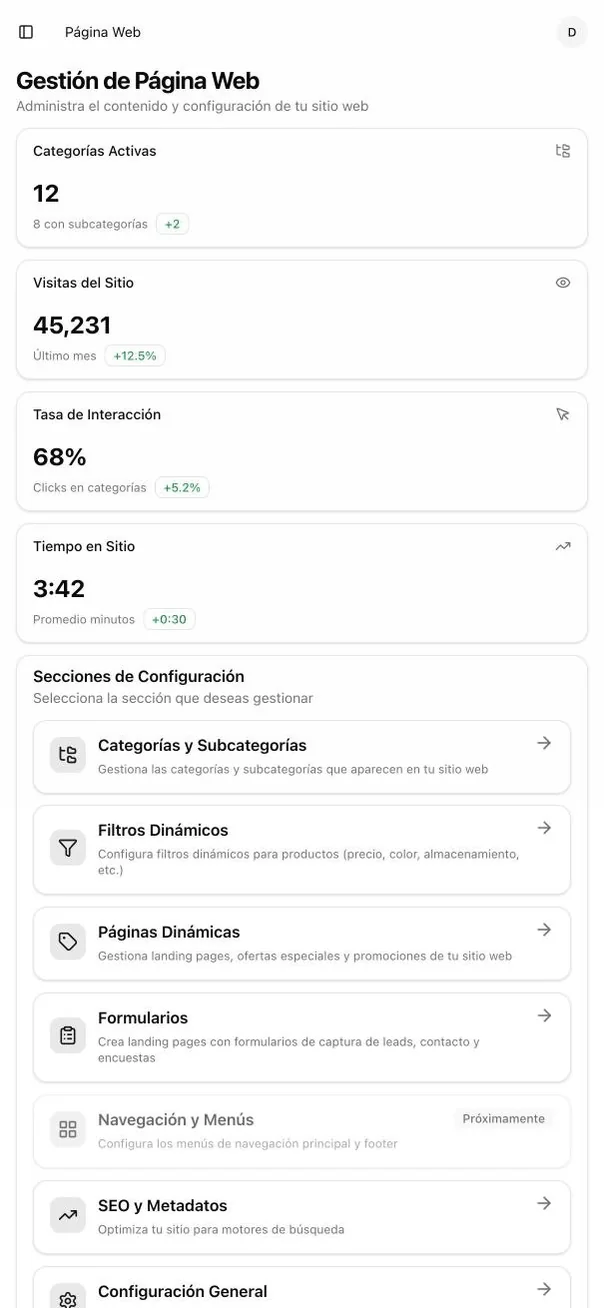
The team runs the site
Real screens from the panel in production. Hover to pause, or pick a stop on the rail.
The home page banners
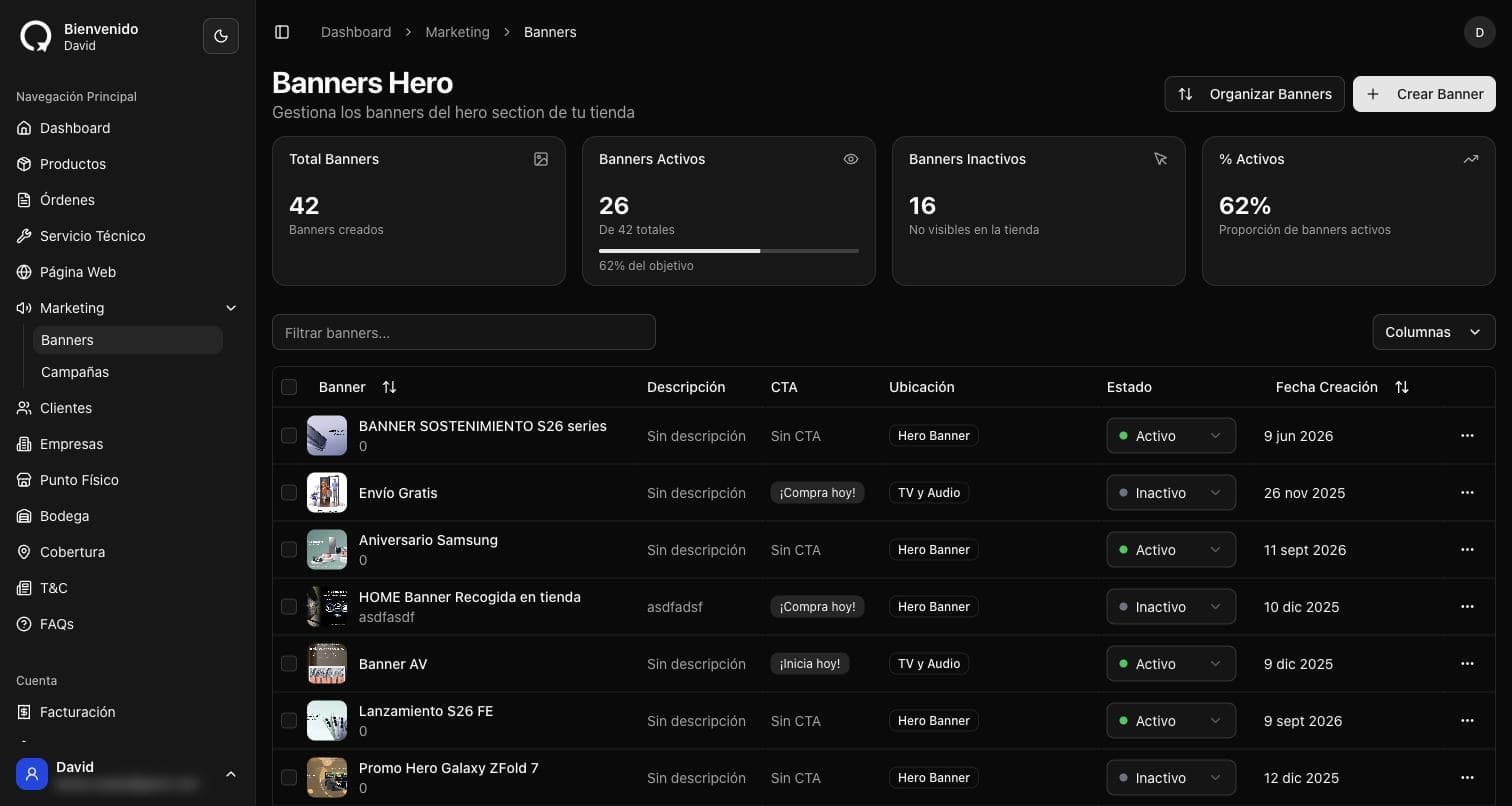
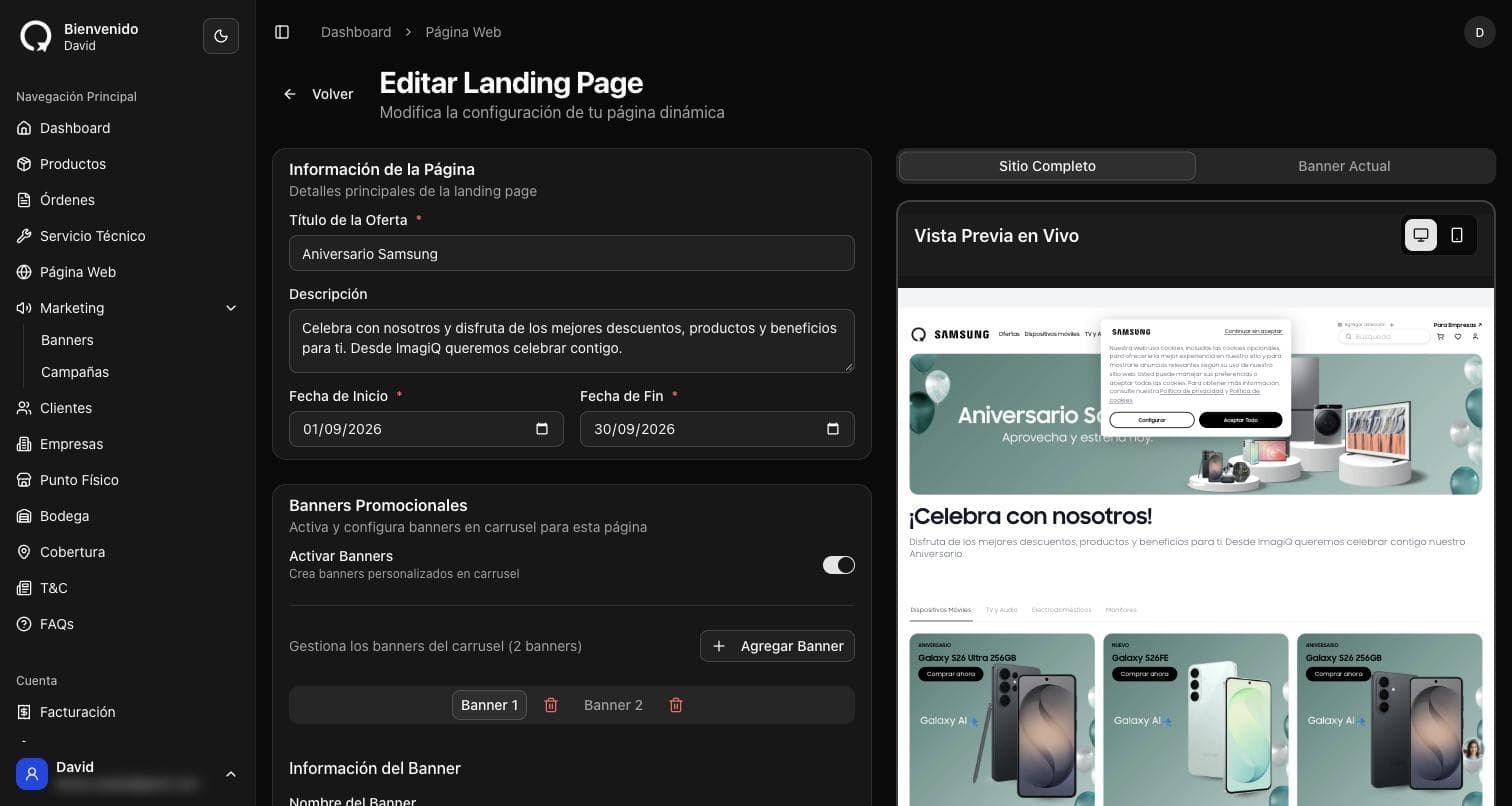
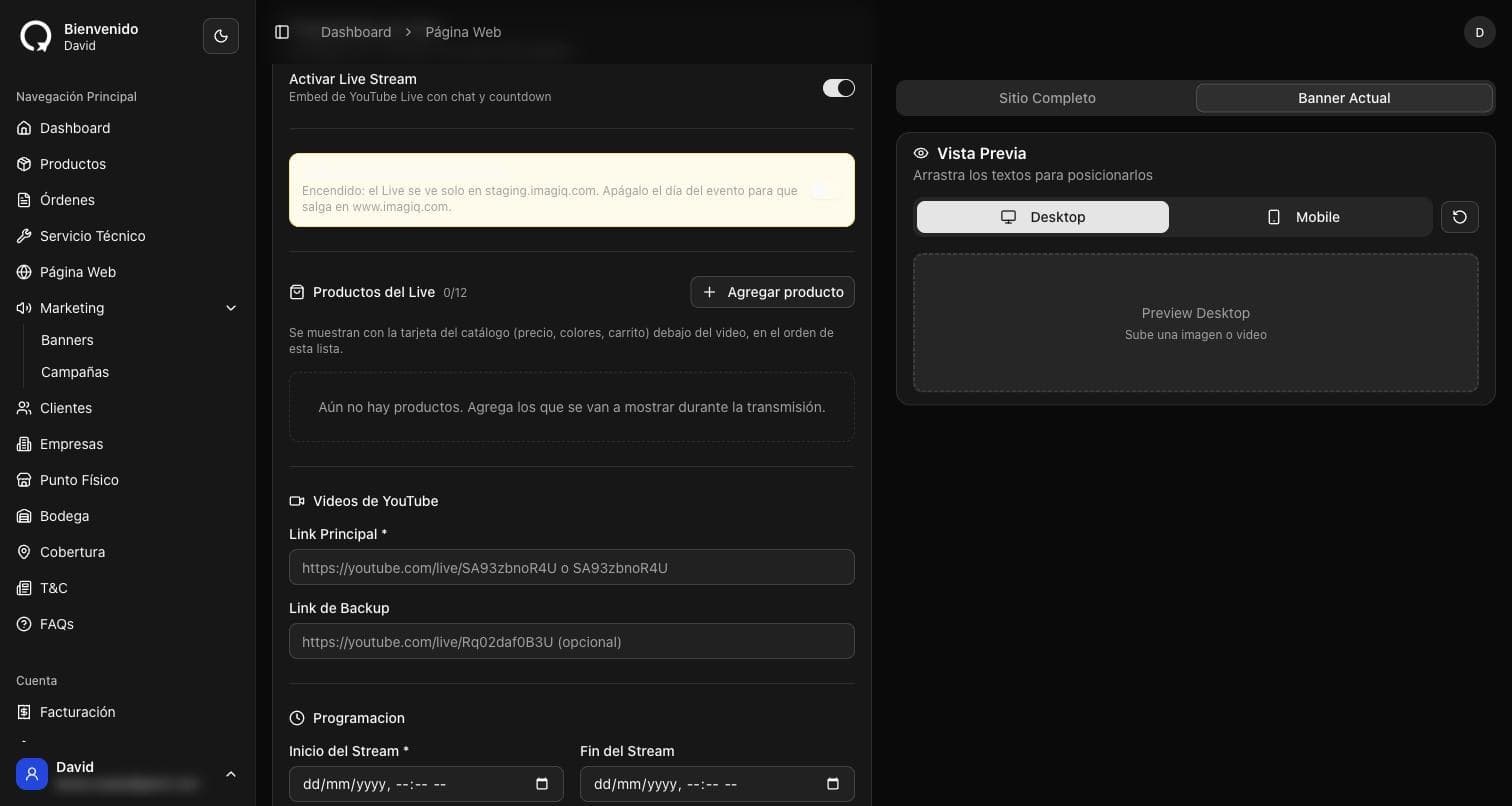
Every banner with its placement, call to action and status. They are switched on and reordered without touching code.
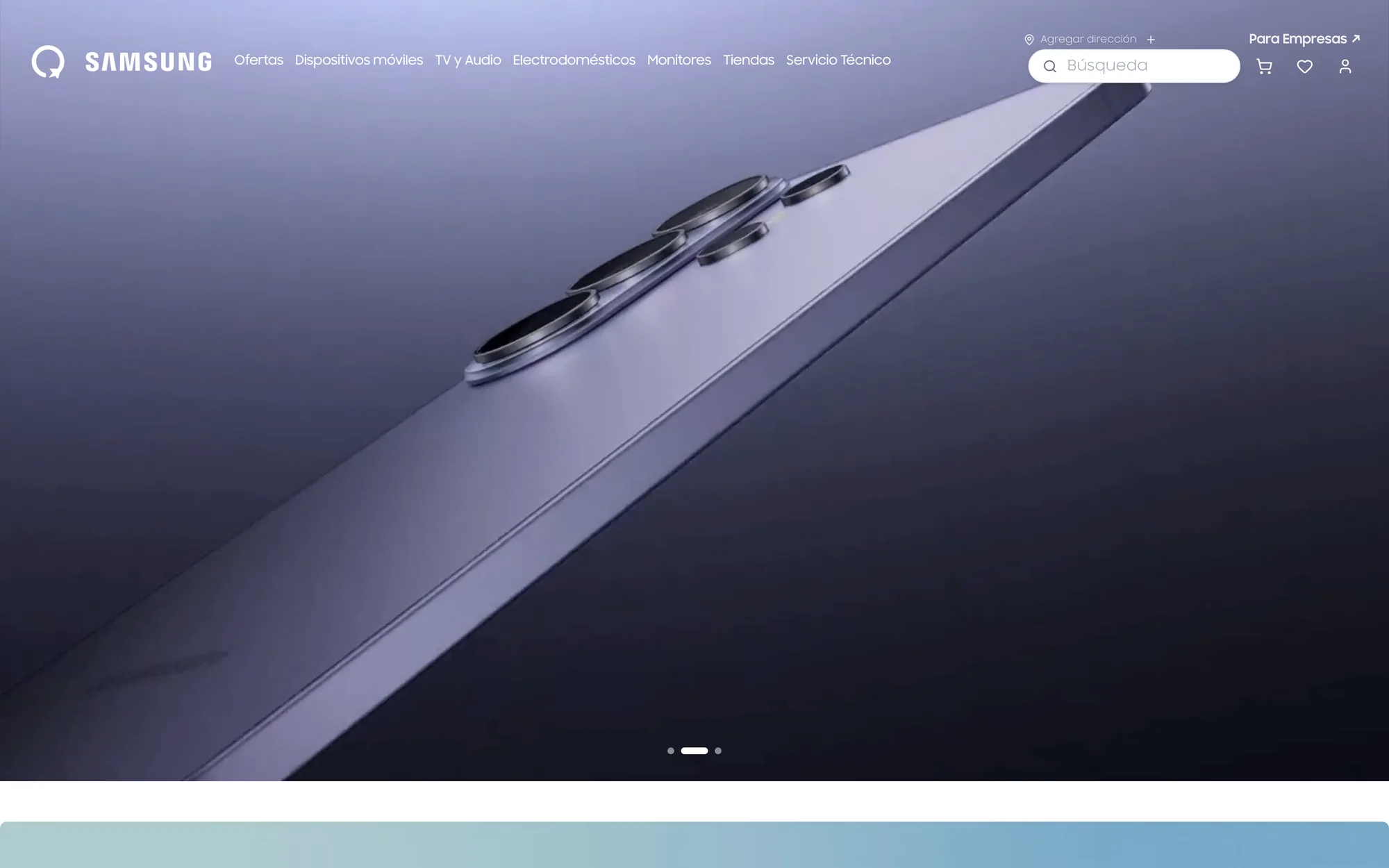
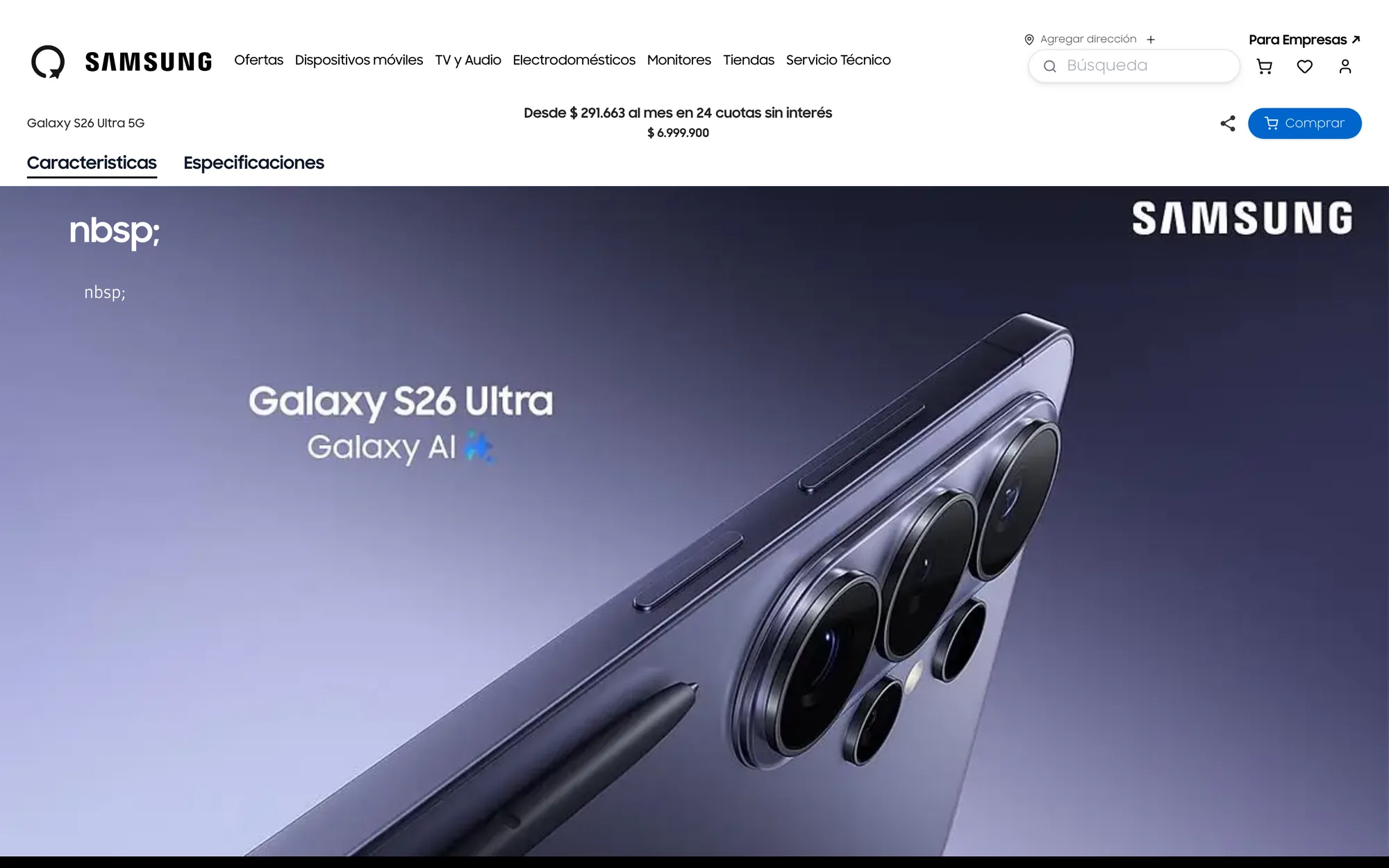
The store the customer sees
The public store in production, walked through with fictional details. Hover to pause, or pick a stop on the rail.
The home page

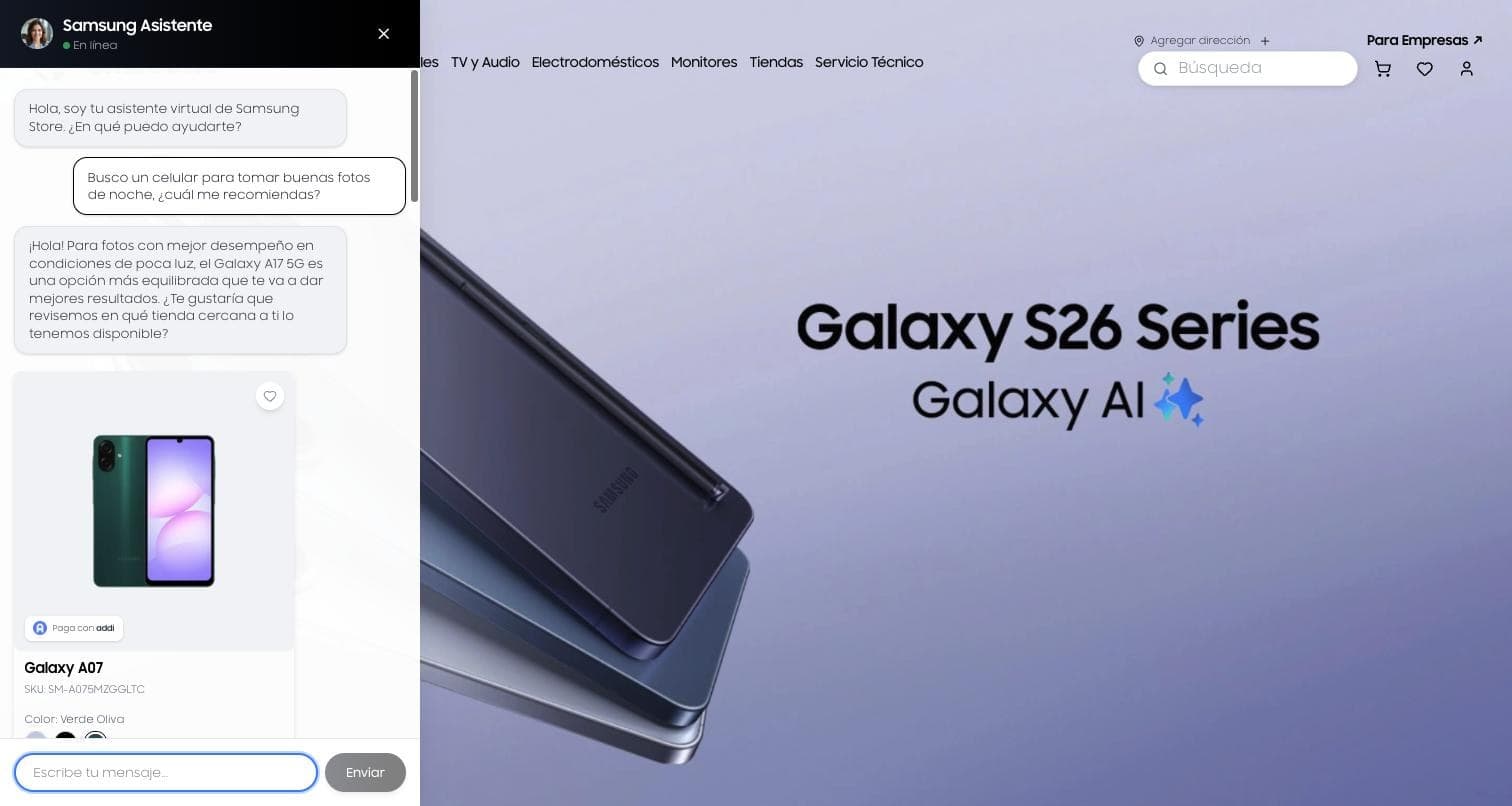
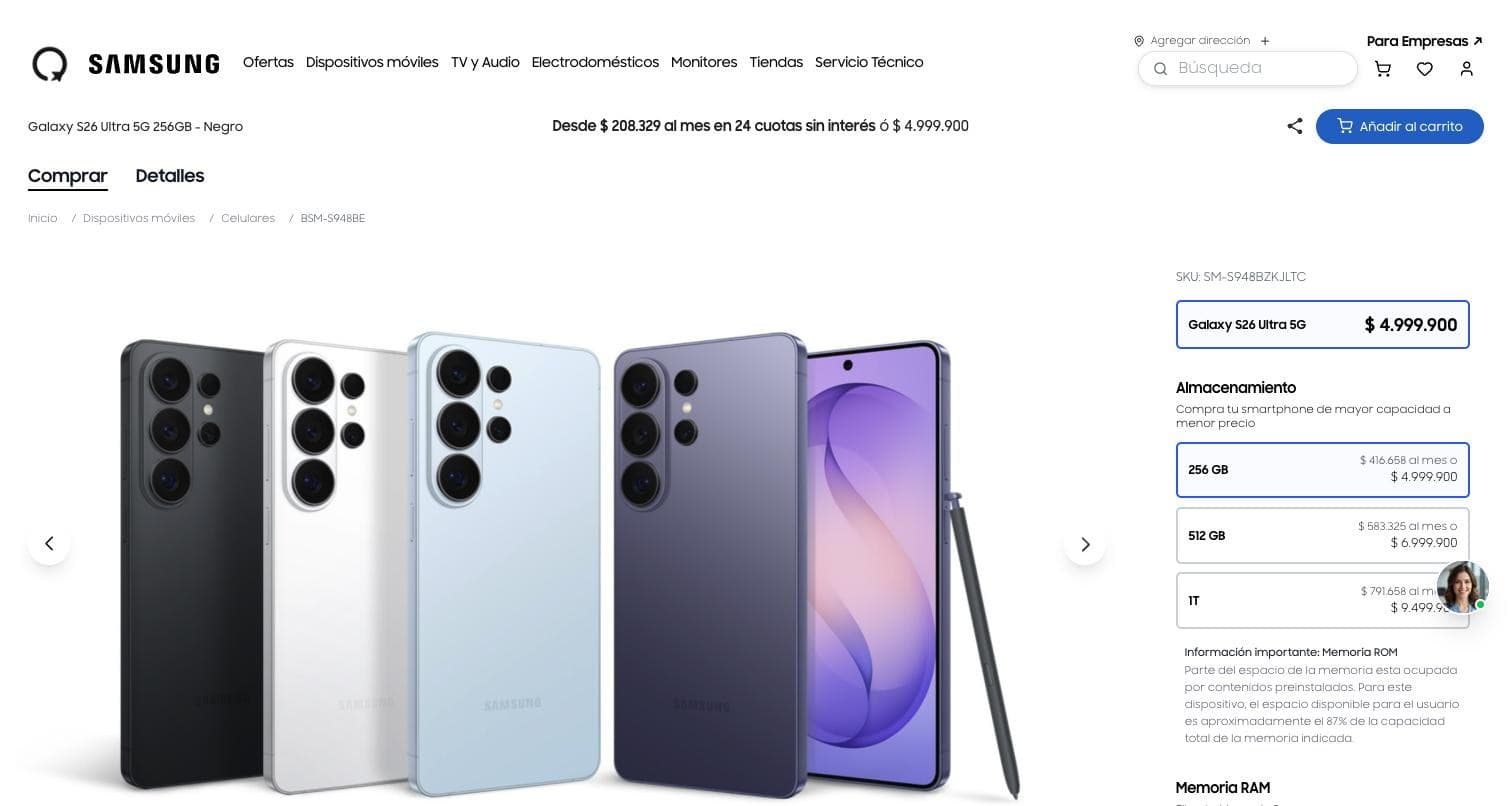
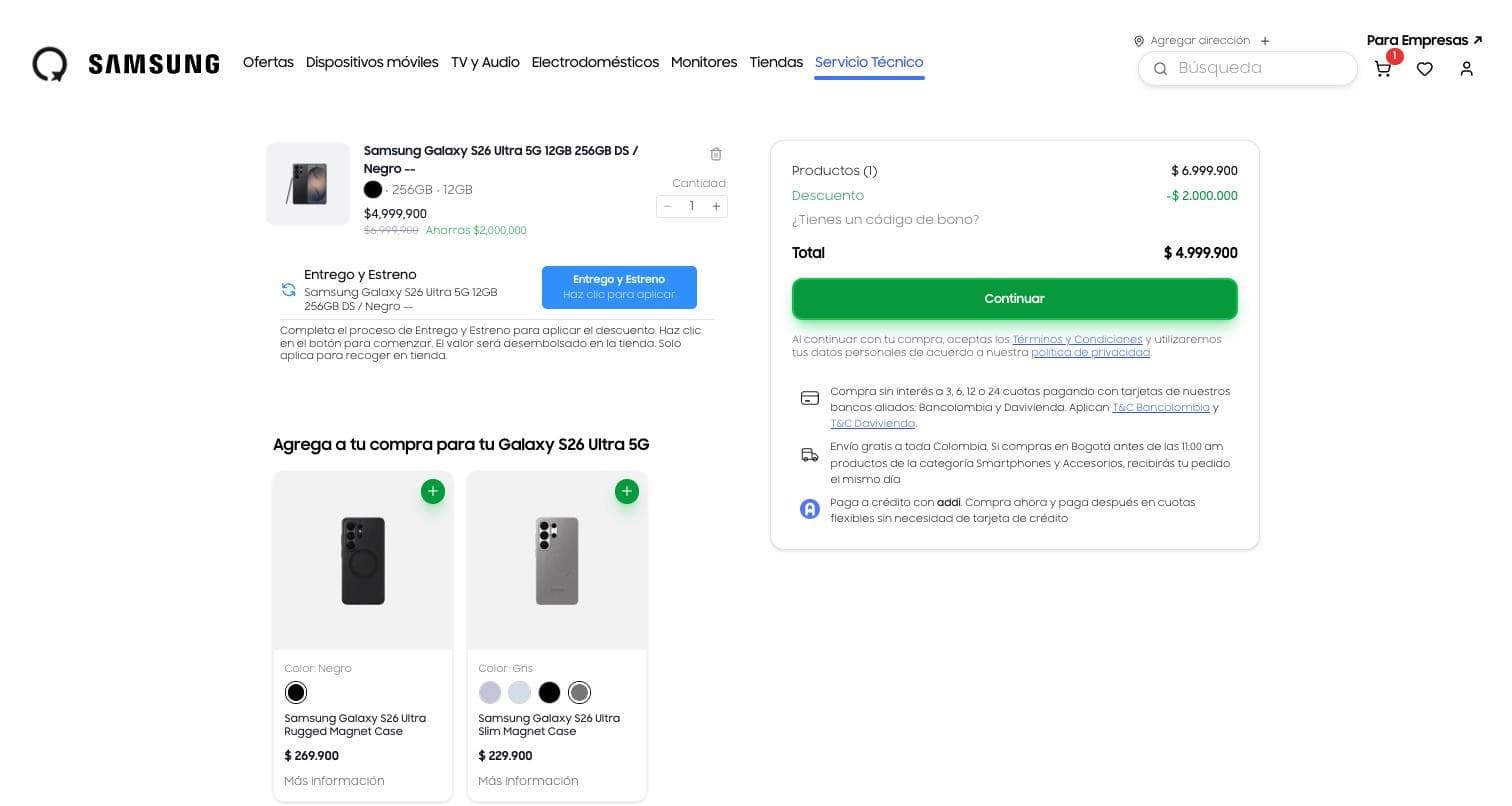
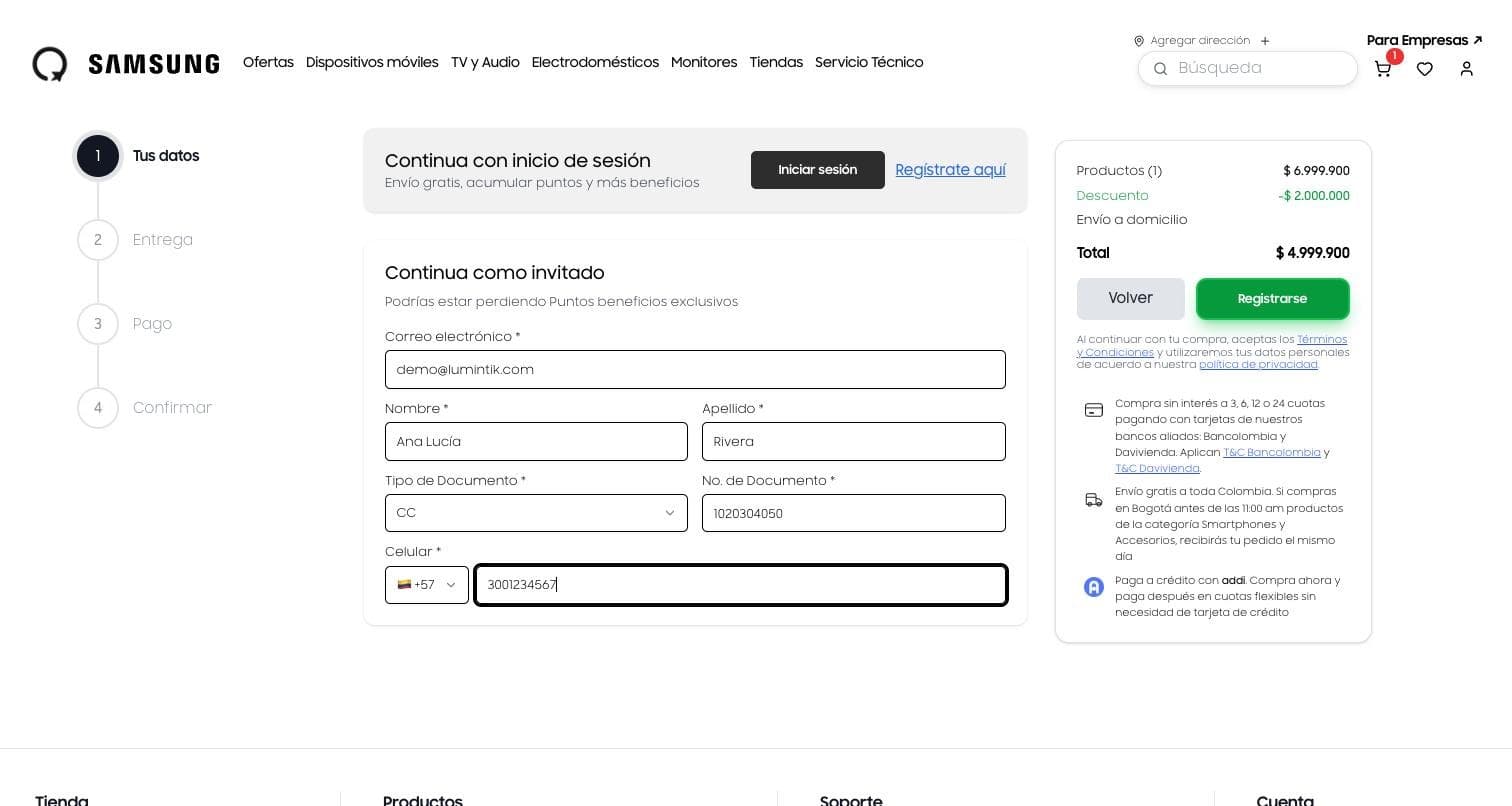
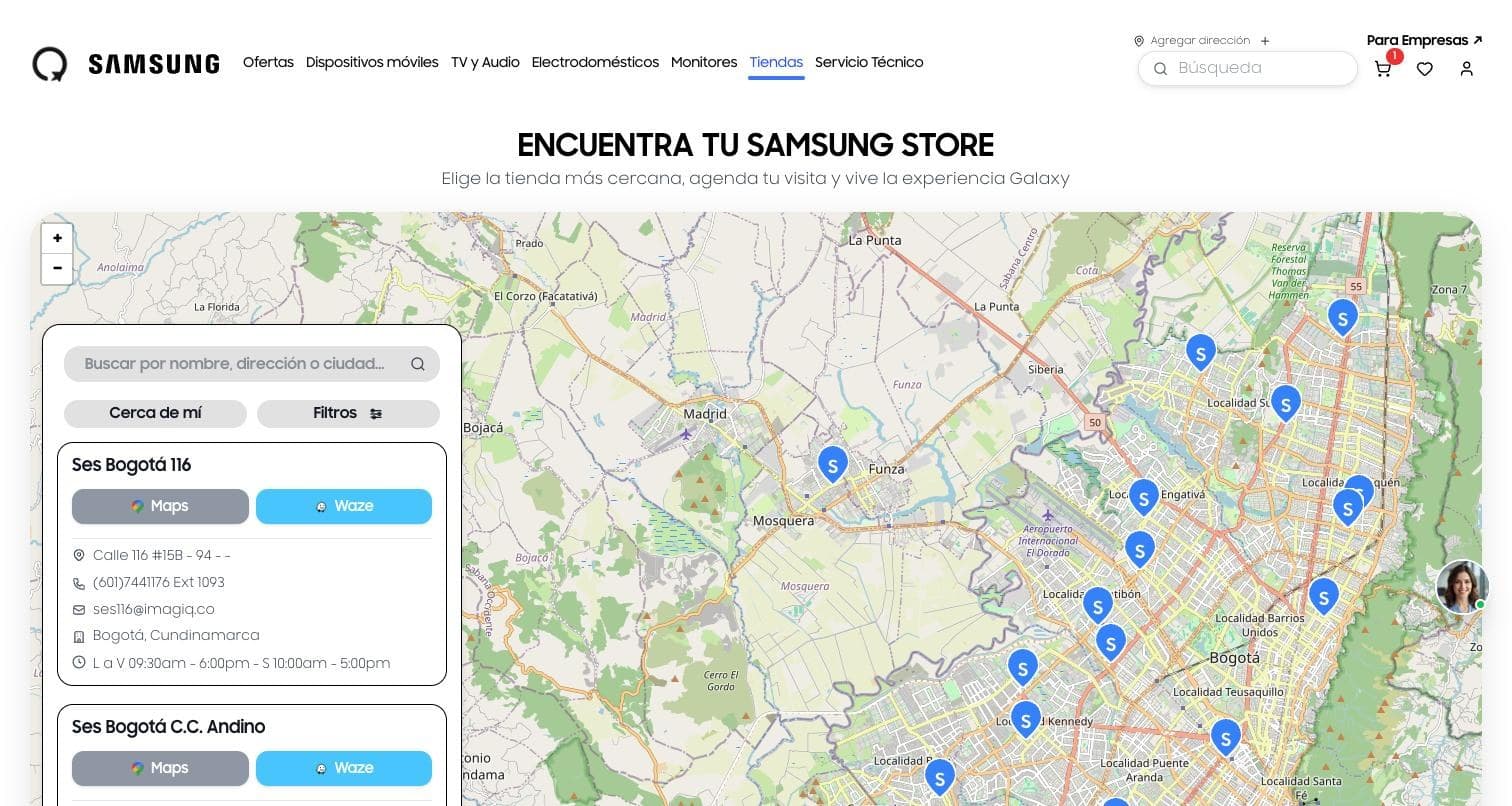
The banners marketing manages from the panel, search, and the assistant always one click away.
Tools
- Google Cloud
- AWS
- Next.js
- NestJS
- PostHog
- Google Distance Matrix
- Redis
- PostgreSQL
Project images
Facing a similar problem?
Tell us what you need. We review your case and reply by email.
Get a Quote
Complete the form and discover how we can help you achieve your growth goals with custom solutions.